OpenWeather
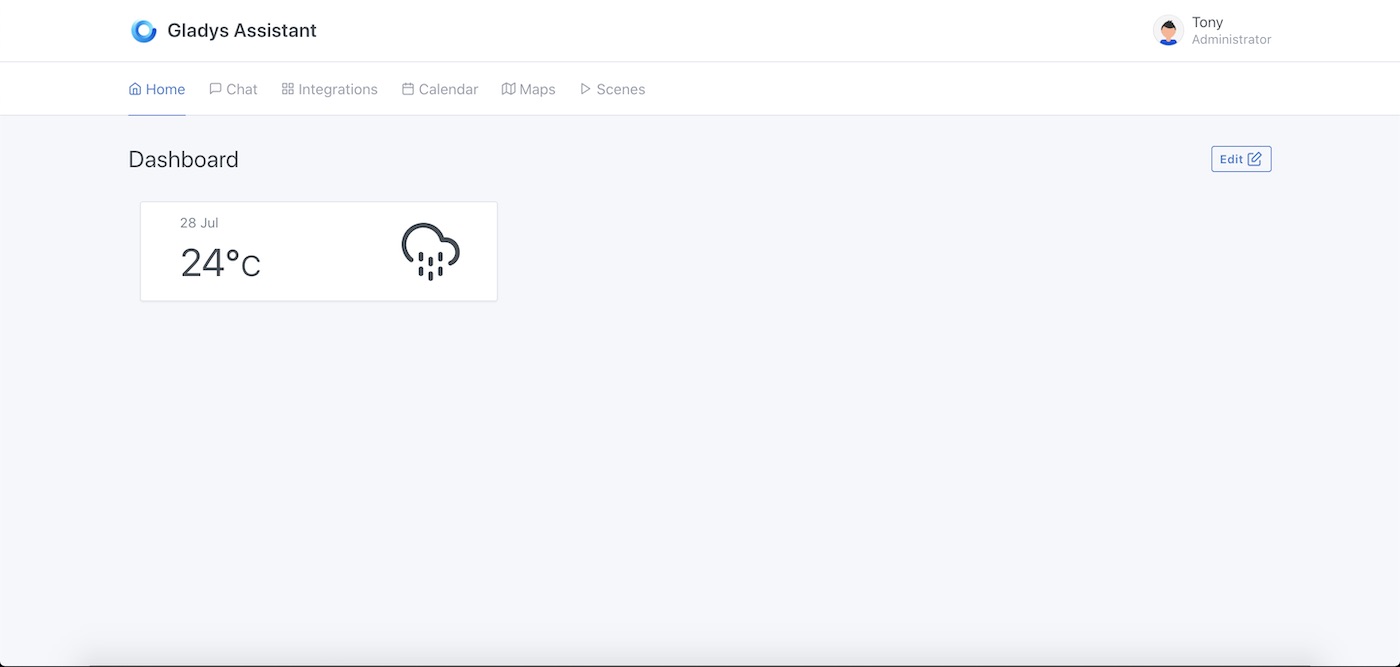
This integration let you display the weather forecast in Gladys Assistant.
Weather providers can now be built as external integrations, which cover any provider (Météo France, Open-Meteo, AccuWeather…) and support weather alerts, provider images and the weather-alert scene triggers. Installing one takes precedence over this built-in OpenWeather service automatically, which is why it is now marked as deprecated in the catalog.
Create an OpenWeather account
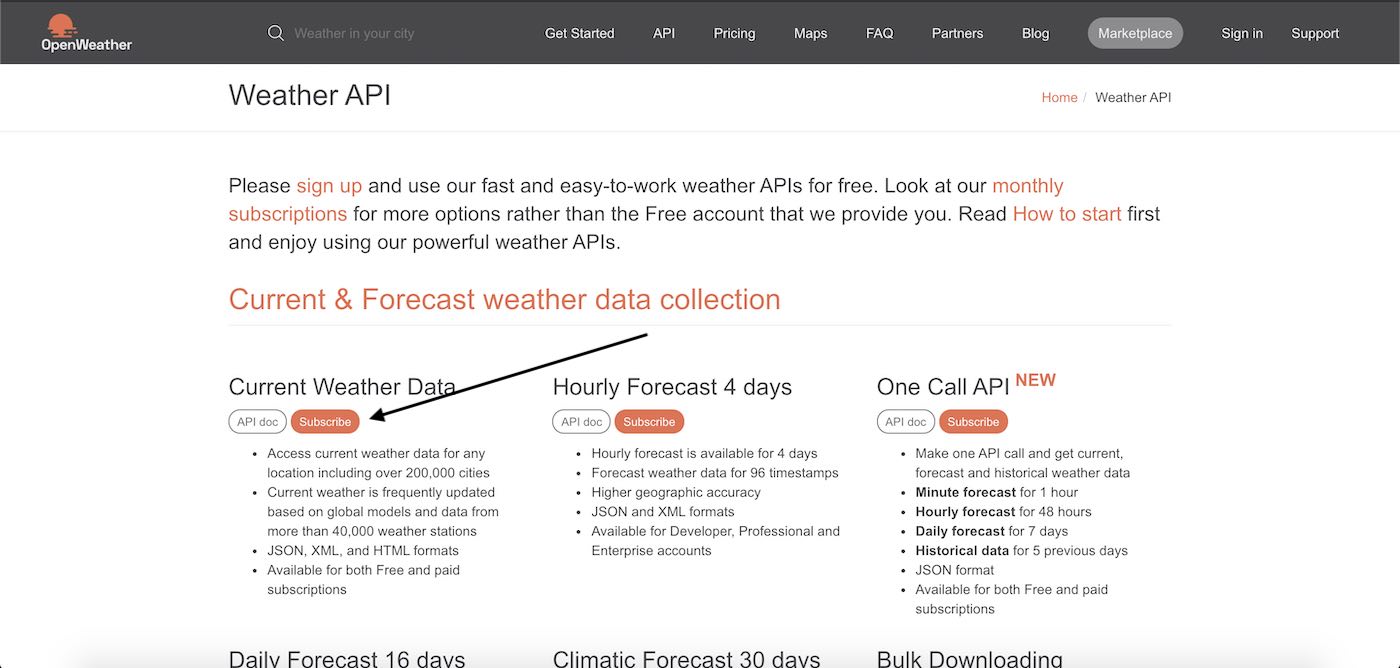
To configure OpenWeather, first go to https://openweathermap.org/api.
Click on "Subscribe" under "Current Weather Data".
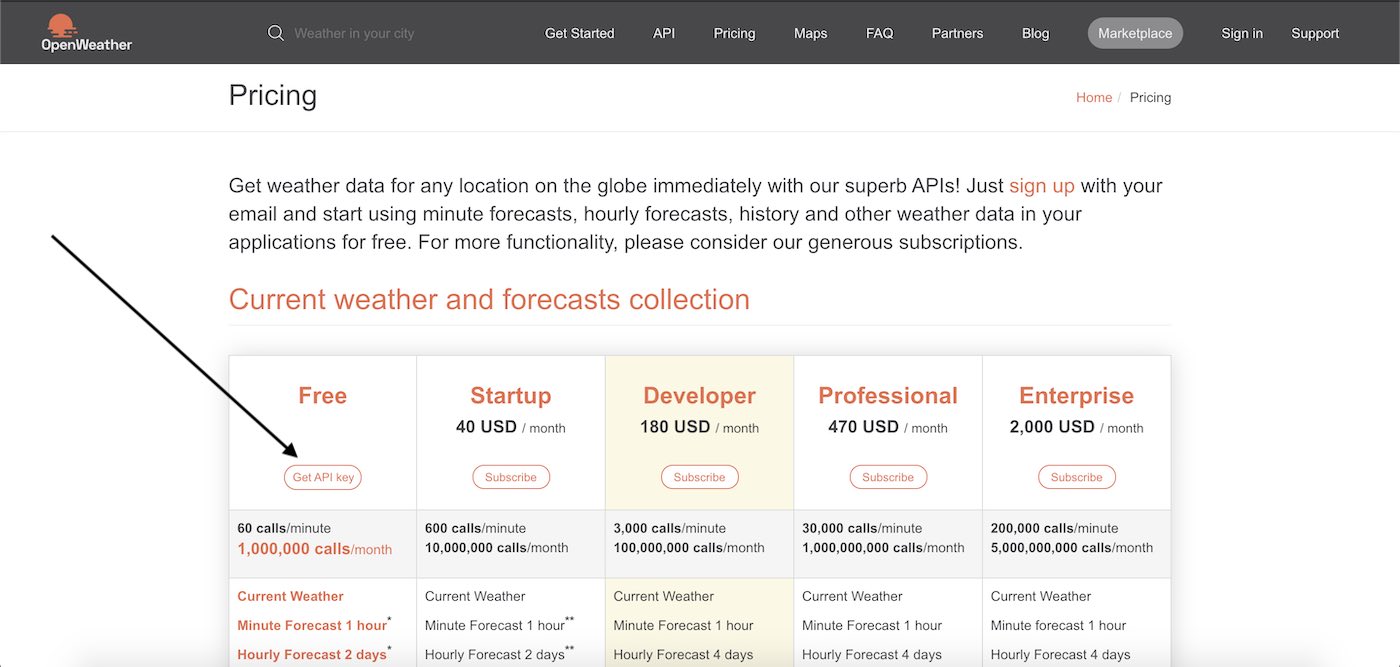
Then click on "Get API key"
Enter your details to create an account.
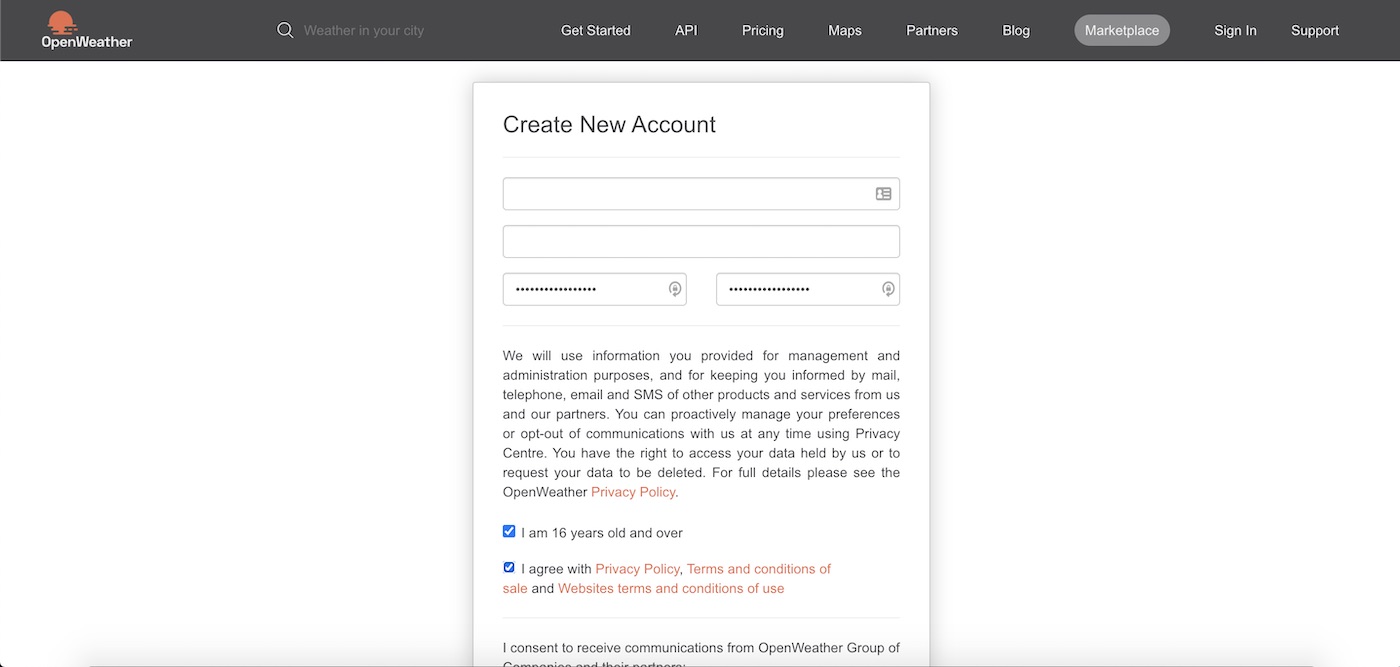
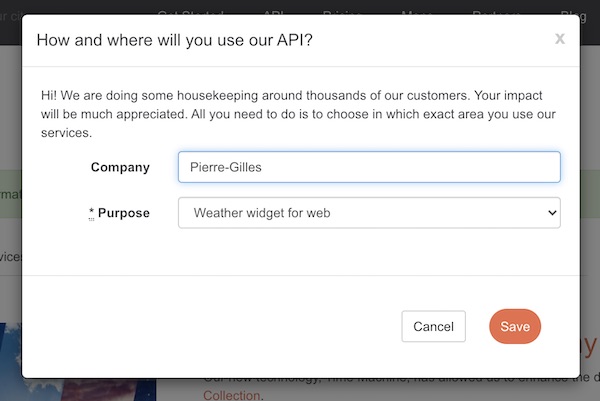
Fill this modal with what you want. Your firstname is fine :)
Confirm your email, and you'll receive another email with your API key.
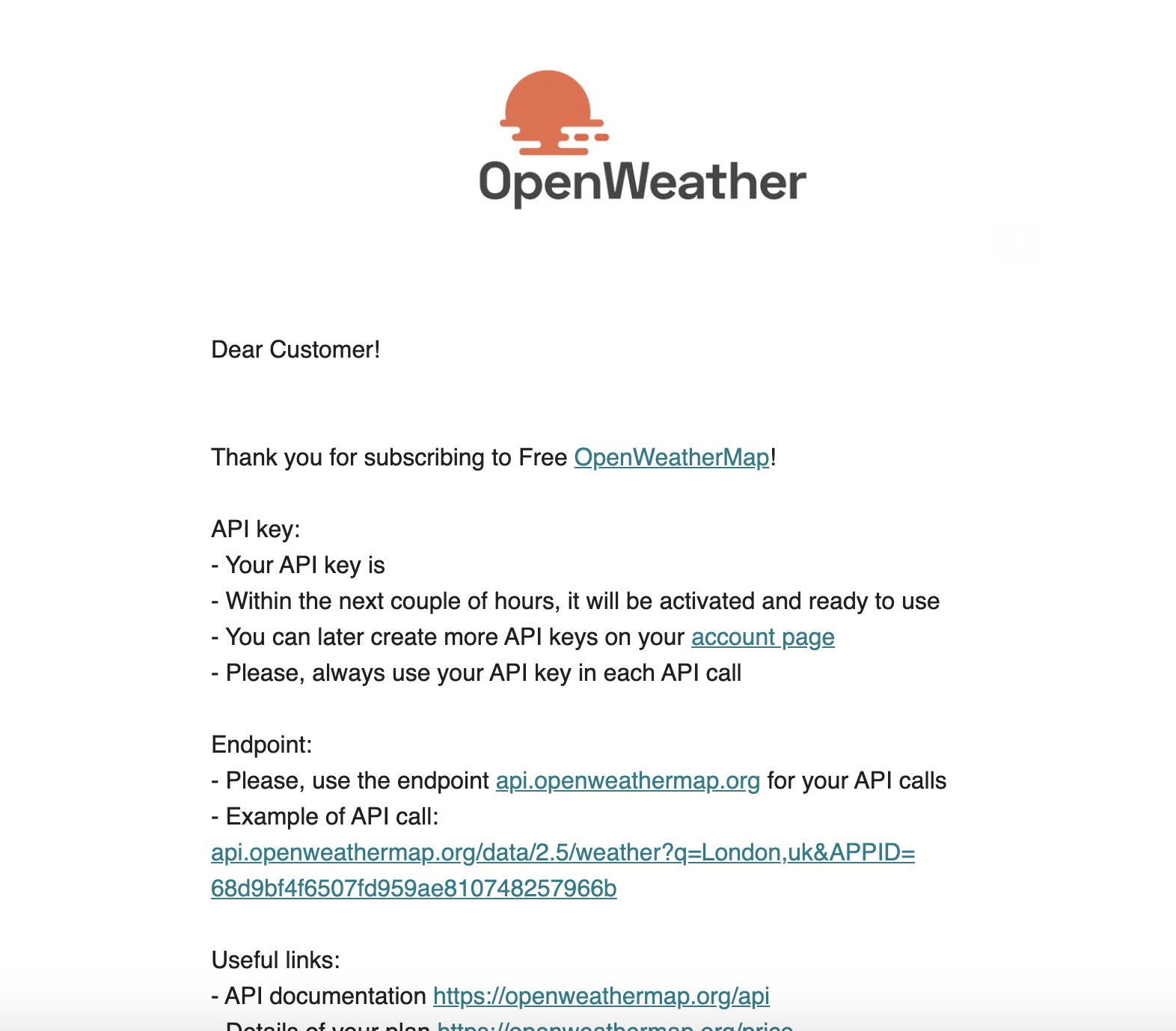
This API key is not valid immediately, you will have to wait.
Enter the API key in Gladys Assistant
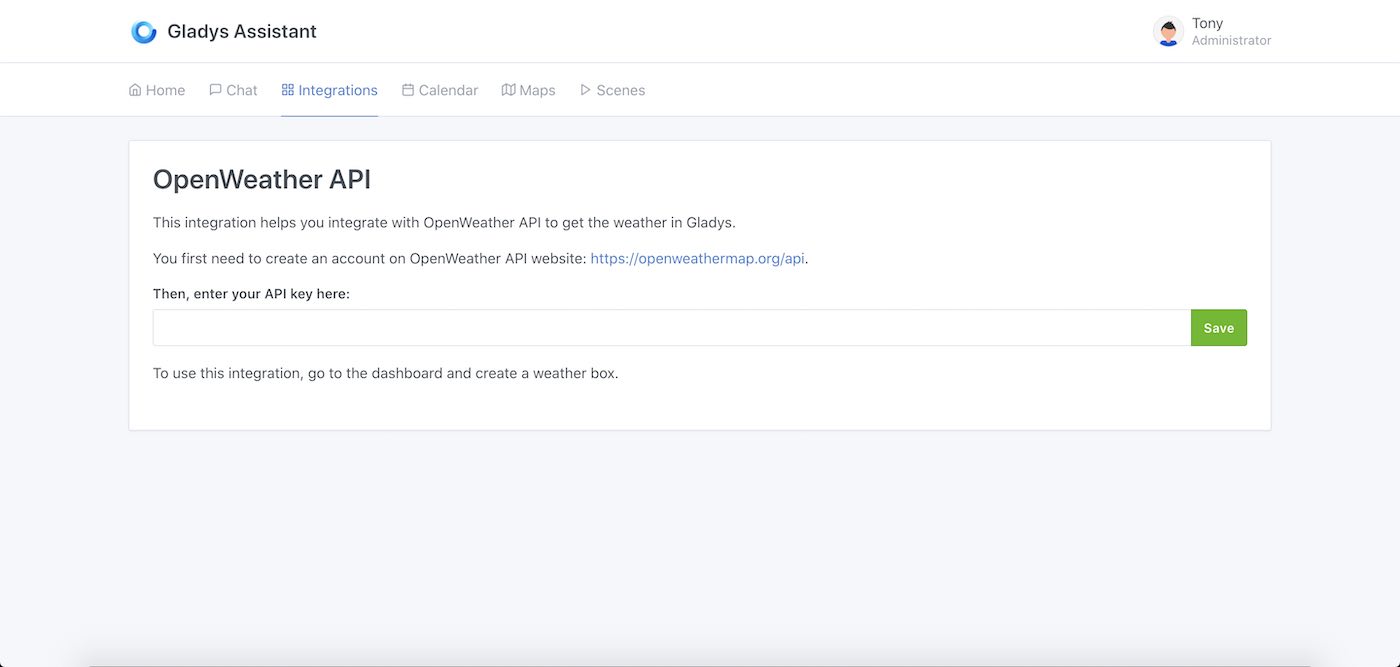
Go to "Integrations" -> "OpenWeather". Enter your API key, and click "save".
Add a weather widget to the dashboard
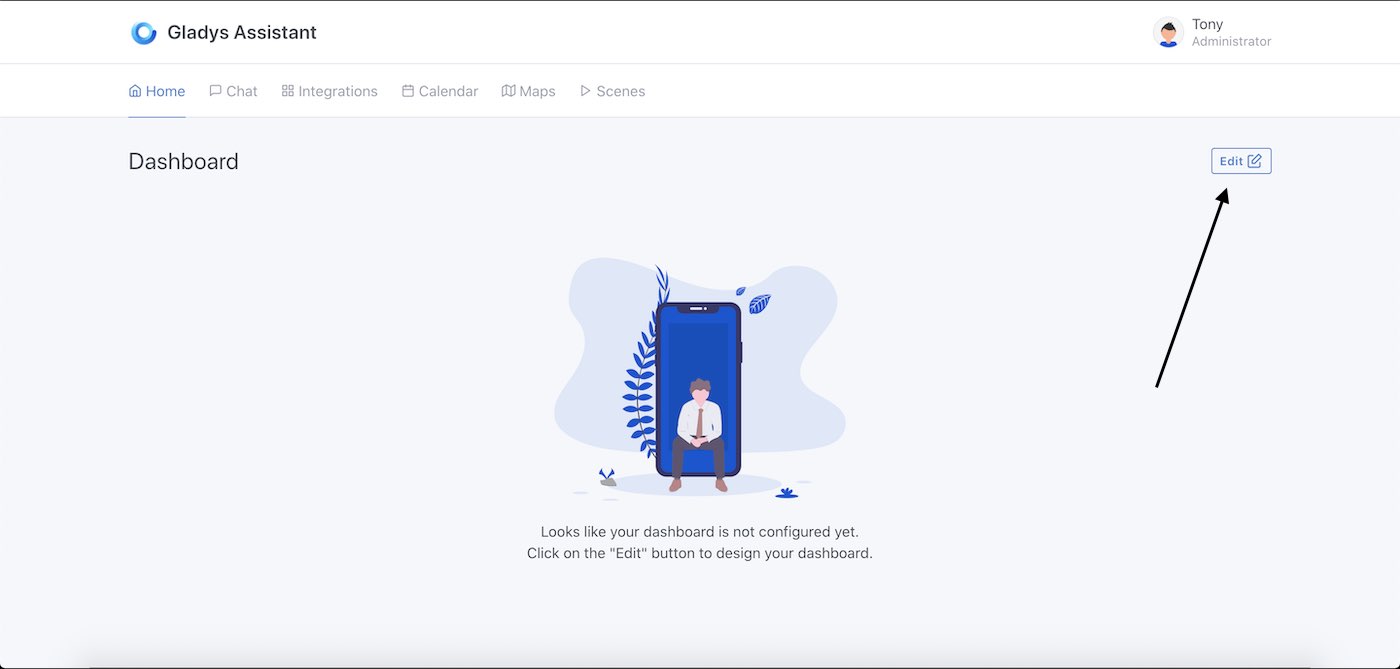
Go to the dashboard, and click on "edit".
Add a weather widget.
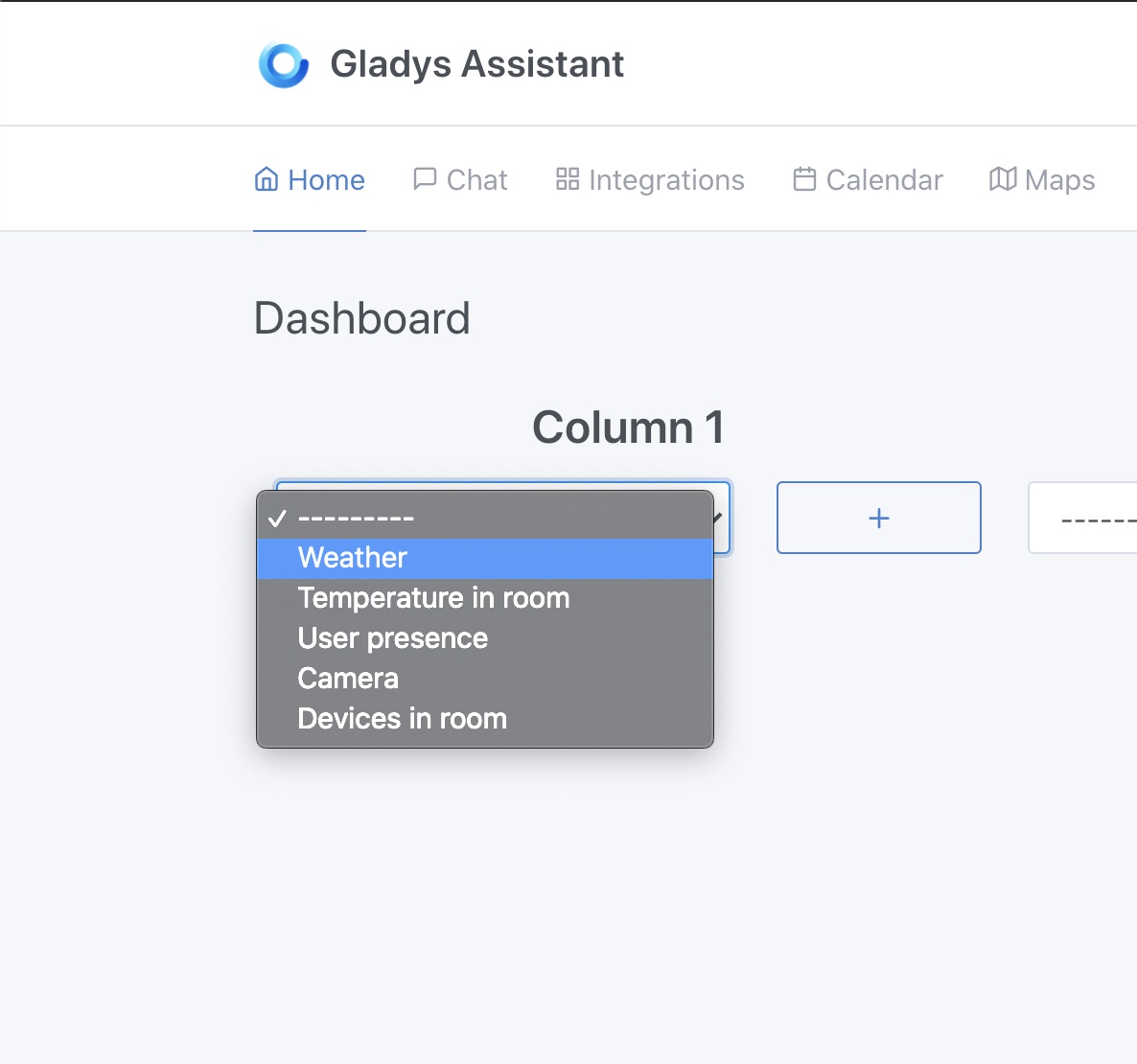
Select your home. The latitude + longitude of your home will be used to get the weather.
Click on "Save".
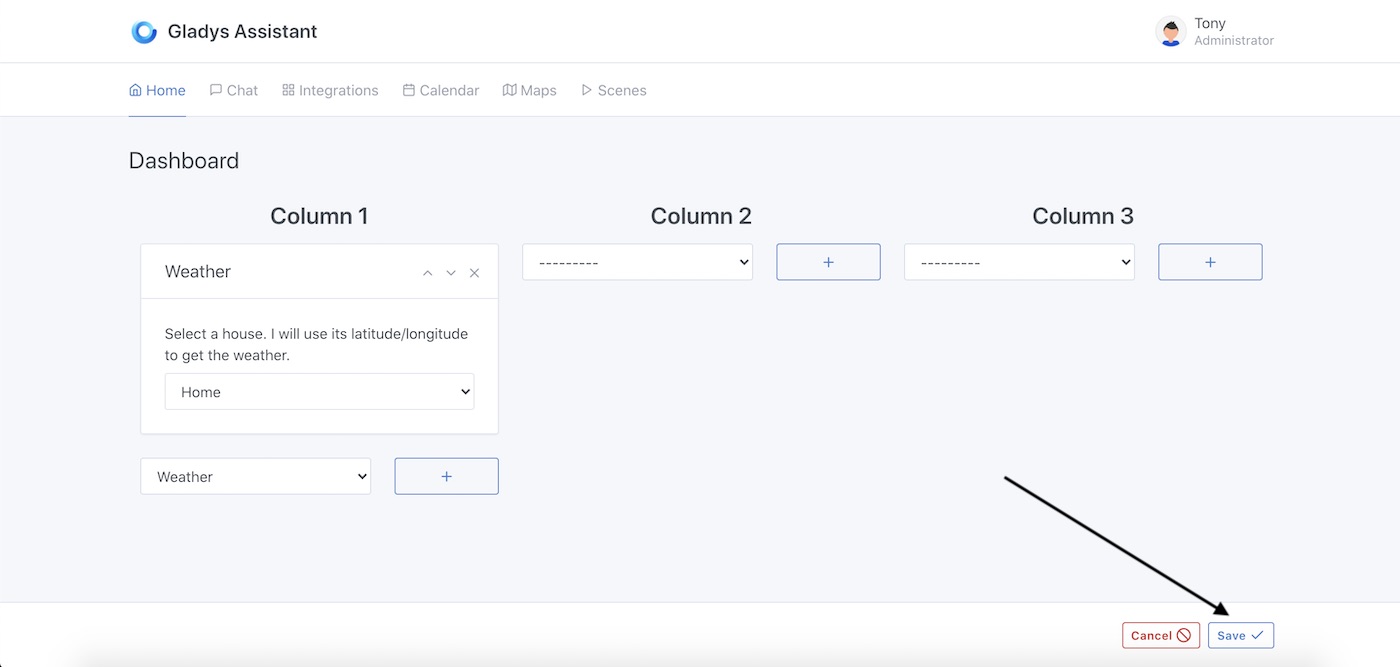
Voilà!